Remove the AI look.
Keep the image.
Soften digital sharpness and add subtle camera texture. Try our free online AI look remover with no signup.
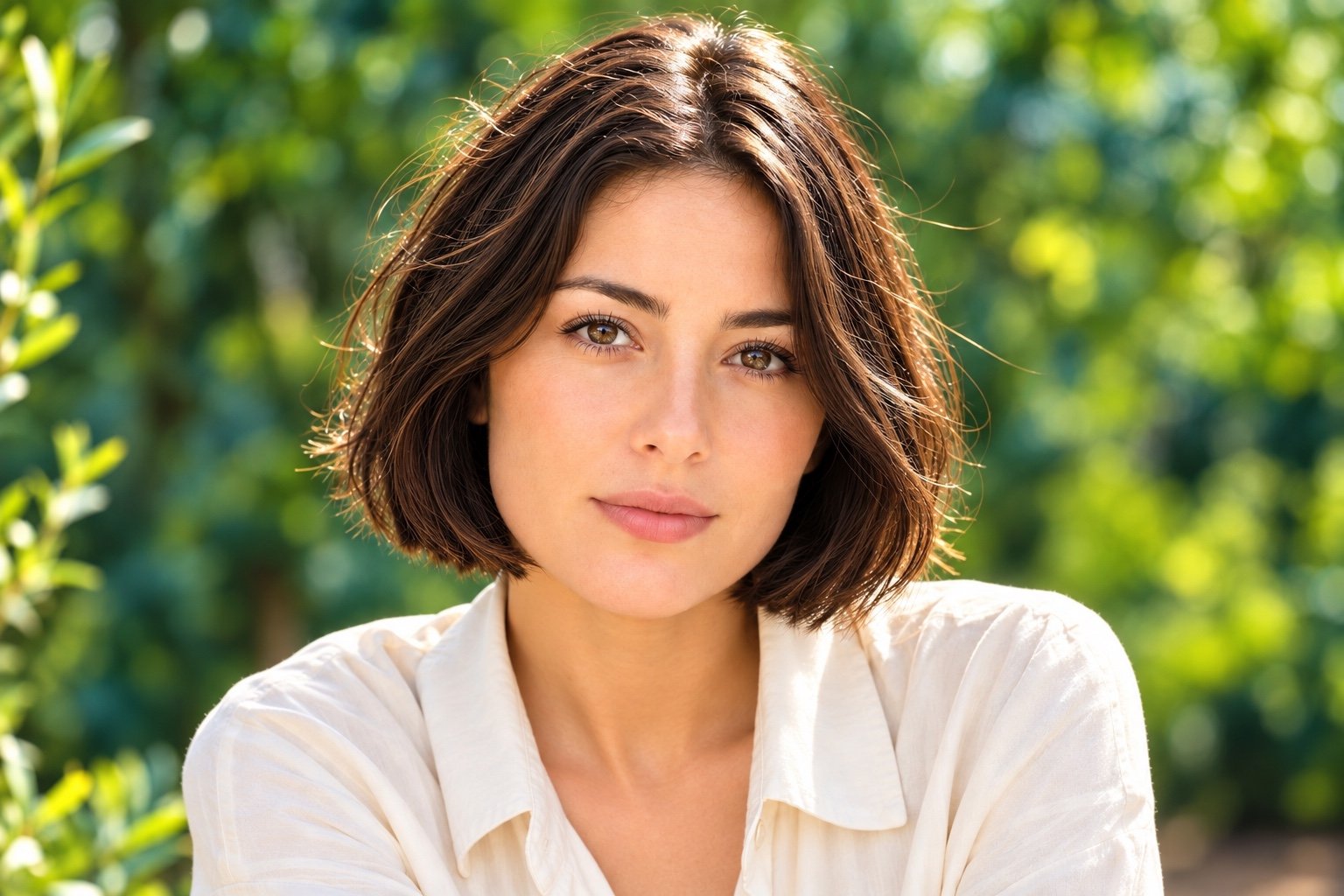 ORIGINALNATURAL
Drag the slider to see the difference.
Your images stay yours. Processing happens on your device, never on our servers.
Our privacy promiseSEE IT. FEEL IT.
Small changes.
A real difference.
Less digital perfection. More natural texture. Explore a sample in the editor.
AI-generated originals; the portrait deliberately exaggerates saturation and digital polish. Every sample is processed by the same camera simulation you use for your own images.
THINK CAMERA. NOT FILTER.
Real photographs
aren’t perfect.
That’s the point.
AI images can be too sharp, too smooth, too clean. Our virtual camera adds back the subtle imperfections that make a photograph feel natural.
A softer lens.
Ease harsh digital sharpness. Introduce gentle edge softness and a restrained lens vignette.
A little texture.
Add fine, luminance-aware noise. Give shadows and surfaces a less synthetic finish.
A photographic finish.
Balance colour, soften highlights and encode an actual JPEG. One natural finish, one simple workflow.
A PRACTICAL GUIDE
What creates the AI look?
Perfect edges everywhere
Uniform crispness can make a scene feel digitally rendered. Natural mode blends a small amount of optical softness into the image, with a little more softness near the corners.
Shadows without texture
Sensor noise is rarely evenly distributed in a photograph. This simulation varies the grain with brightness, adding more character to shadow areas while keeping the effect restrained.
How to judge your result
Start around 60–75% intensity and compare at the size you plan to use. If you notice the effect before you notice the subject, turn the intensity down.
FROM GENERATED TO PHOTOGRAPHIC
Three steps. Zero fuss.
Bring your image.
Upload a JPG, PNG or WebP. No account, no waiting room, no uploading to a server.
Adjust the intensity.
Adjust the Natural effect’s intensity and compare before and after.
Make it yours.
Download a clean JPEG without a watermark. Use it in your next design, moodboard or creative project.
A LITTLE MORE CLARITY
Good questions.
Simple answers.
What does AI Look Remover actually do?
It uses image processing to reduce the overly digital appearance of generated images and simulate camera characteristics: subtle softness, texture, colour response and JPEG compression. It preserves your composition and does not regenerate the scene. Results depend on the source image; it does not repair anatomy or reconstruct missing detail.
Is it really free?
Yes. This beta is free, with no signup and no watermark. There is no daily limit. Larger images are scaled to a maximum long edge of 4,096 pixels to keep processing practical on your device.
Are my images private?
Your selected images are decoded and processed in your browser. We do not upload or store them. Closing the page clears the working image. You can read more in our Privacy Policy.
Which image generators does it work with?
Any generator that exports a supported image: Midjourney, ChatGPT, FLUX, Stable Diffusion, Gemini and more. You can also try camera simulation on your own photographs.
Can I adjust the effect?
Yes. Natural balances vivid colours, softens digital sharpness and adds visible, film-inspired grain. Use the intensity slider to choose how much processing to apply.
Does this bypass AI detection?
No. This tool changes visual appearance. It does not claim to defeat AI detectors or turn an AI-generated image into an authentic camera capture. Keep the original file if you need its provenance or metadata: a newly rendered JPEG does not preserve the original file’s metadata.
What files can I upload and download?
Upload JPG, PNG or WebP images up to 20 MB and 40 megapixels. Downloads are JPEGs up to 4,096 pixels on the long edge. Transparent areas are placed on a white background. HEIC, SVG, animated files and batch processing are not supported in this beta.
A LITTLE LESS PERFECT. A LOT MORE NATURAL.
Give your image a second look.
Your next favourite photograph might already be in your files.